Pools
Edit the weighted lists that seeds draw from and the phrase lists the filters check, and validate before you save.
Pools are the lists that shape every conversation. Sampler pools (occasions, threads, quirks, endings, time contexts and moods) are weighted lists the seed sampler draws from. Filter pools, the kinds that start with filter., are the phrase lists the Layer 1 filters check generated text against.
Add an occasion and check its weight
Ana wants some conversations to open with the user just back from the farmers market on a weekend morning. Occasions are a sampler pool, so she adds one item with a modest weight.
- Step 1.
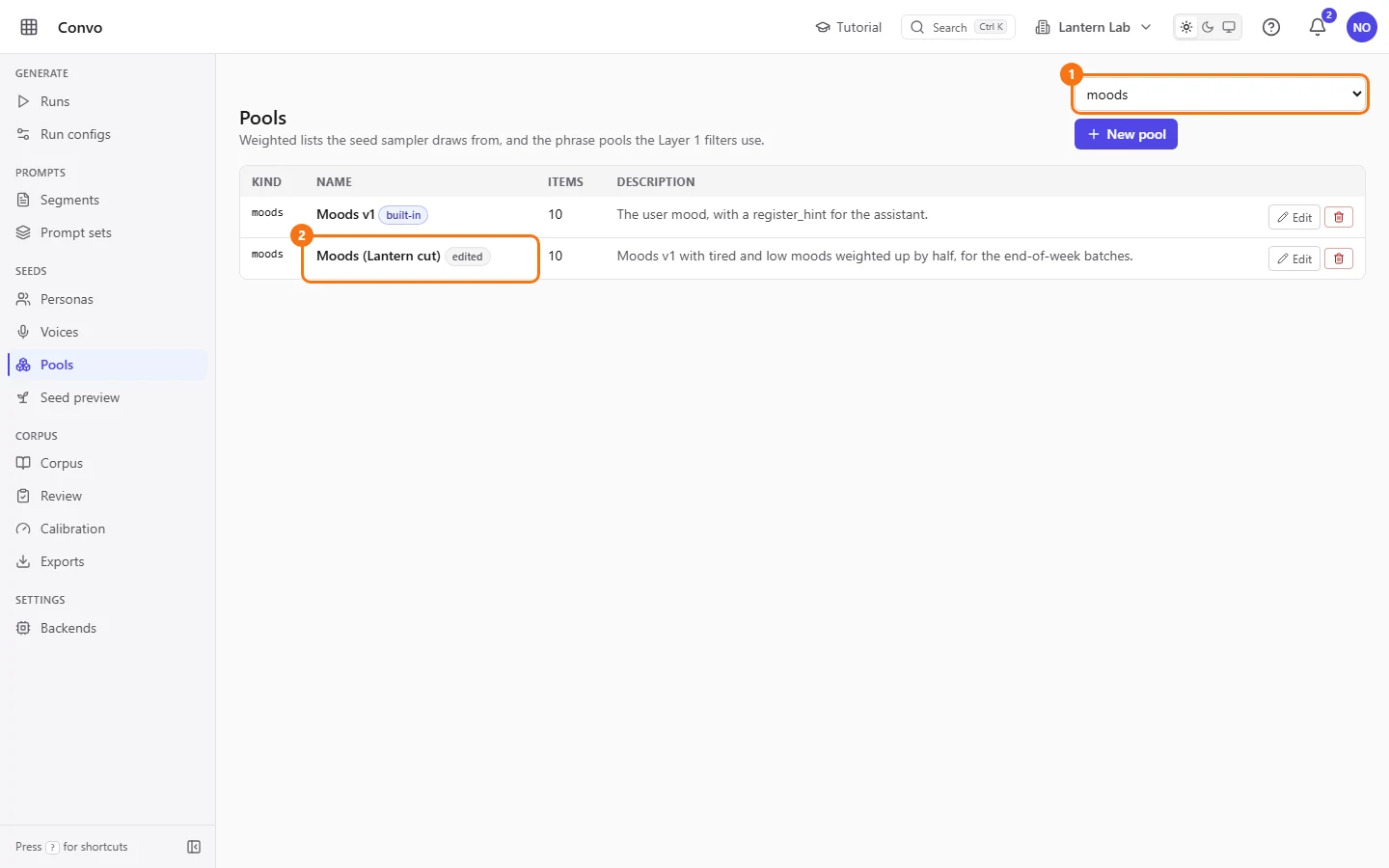
Open Pools from the sidebar. Each row is one pool, with its kind, name, item count and description. The kind filter at the top shows one kind at a time. The "built-in" tag means the seeder still manages the pool; "edited" means someone saved changes to it.
- Step 2.
Pick
occasionsin the kind filter at the top (it starts on "All kinds"), then click "Edit" on the occasions pool. The editor opens with the items as a JSON array.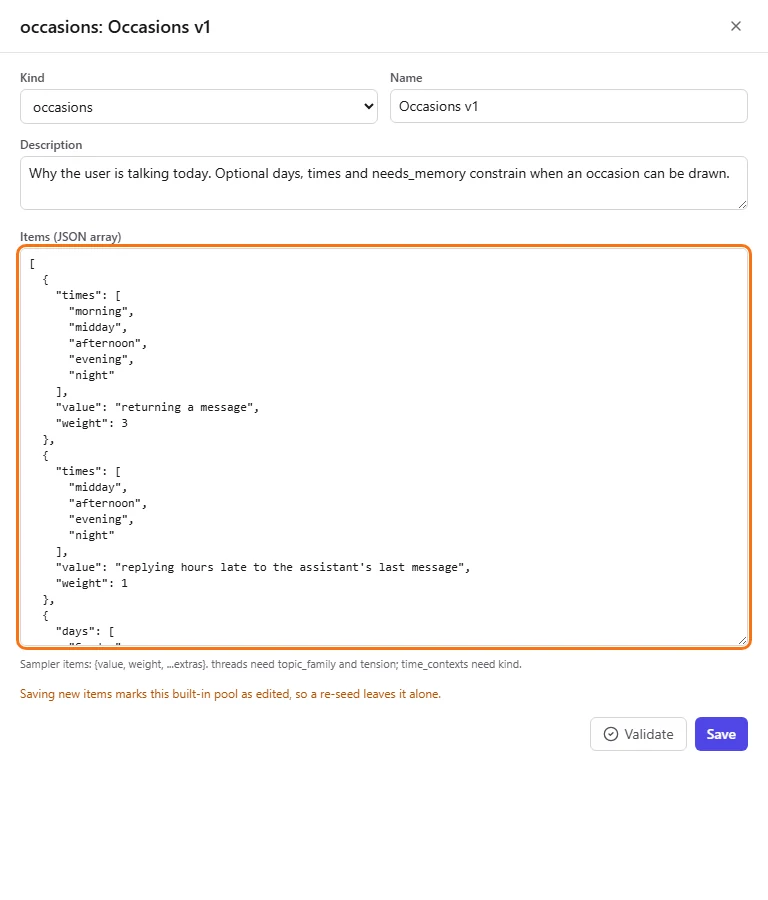
- Step 3.
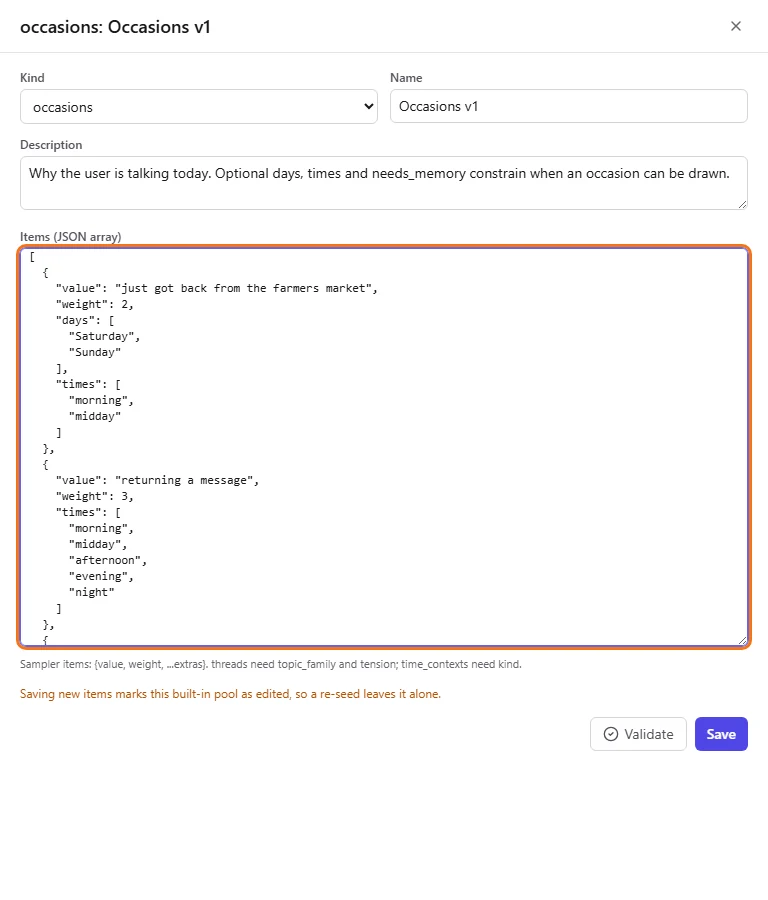
Add a new item at the top of the array, after the opening
[:{ "value": "just got back from the farmers market", "weight": 2, "days": ["Saturday", "Sunday"], "times": ["morning", "midday"] },The value is the text the seed receives. Weights are relative: an item with weight 2 is drawn about twice as often as one with weight 1, among the items that fit the moment. Weights run from 0 to 1000, and 0 means never picked. "days" and "times" are optional and limit when the occasion can be drawn.
- Step 4.
Click "Validate". The server checks the items with the same rules Save applies, and saves nothing. When everything is valid the result reads "Valid:" with the item count. When it isn't, it lists the first problems by field, for example
items[0].weight: Number must be less than or equal to 1000.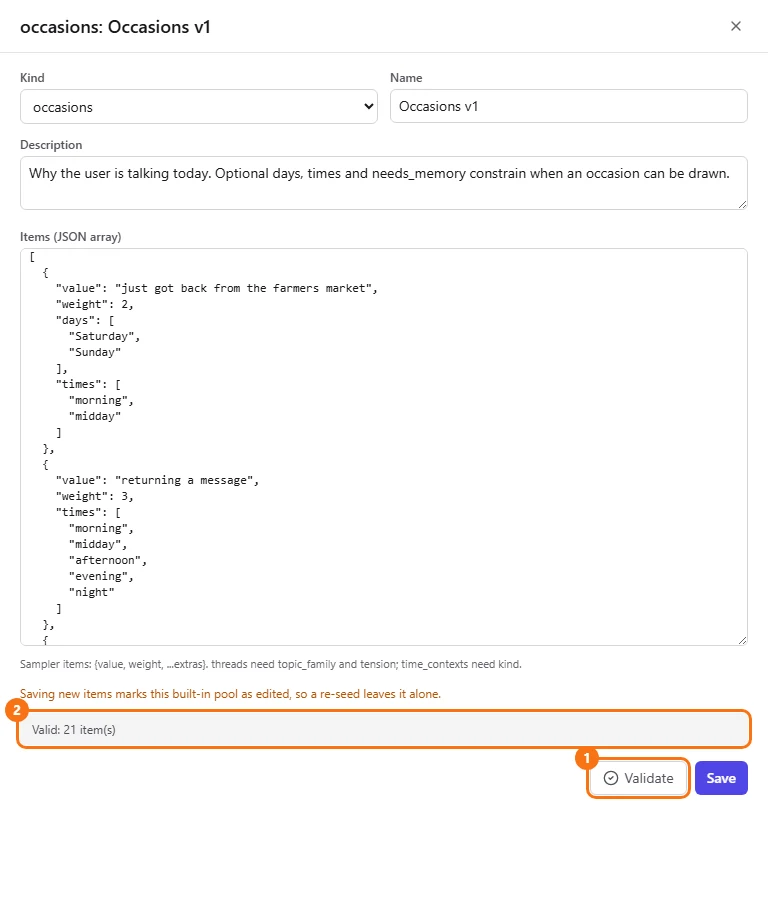
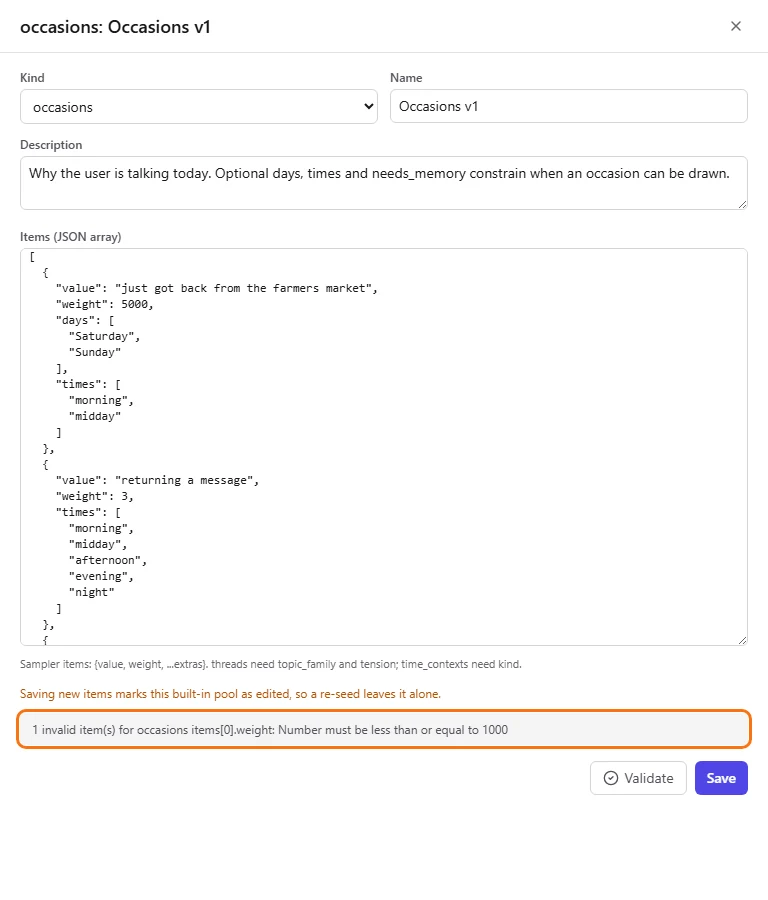
Validate names the item and field that failed - Step 5.
Click "Save". Save validates again and writes the pool. Runs freeze pool items when they start, so the new occasion only shows up in runs launched afterwards.
Saving a built-in pool marks it "edited" for good, even if you only rename it, and from then on a re-seed leaves it alone. The only way back to the shipped version is to delete the pool and let the next re-seed restore it.
Catch a support-bot phrase the filter misses
Jo keeps finding accepted conversations where the AI friend asks "how does that make you feel", which is therapist talk, not something a friend says. Jo adds the phrase to the botspeak filter so those conversations are rejected.
- Step 1.
On Pools, pick
filter.botspeakin the kind filter and click "Edit". Each filter item has an "id", a "kind", a "pattern" and a "note". The id is what a rejection reports, so you can trace a reject back to its item.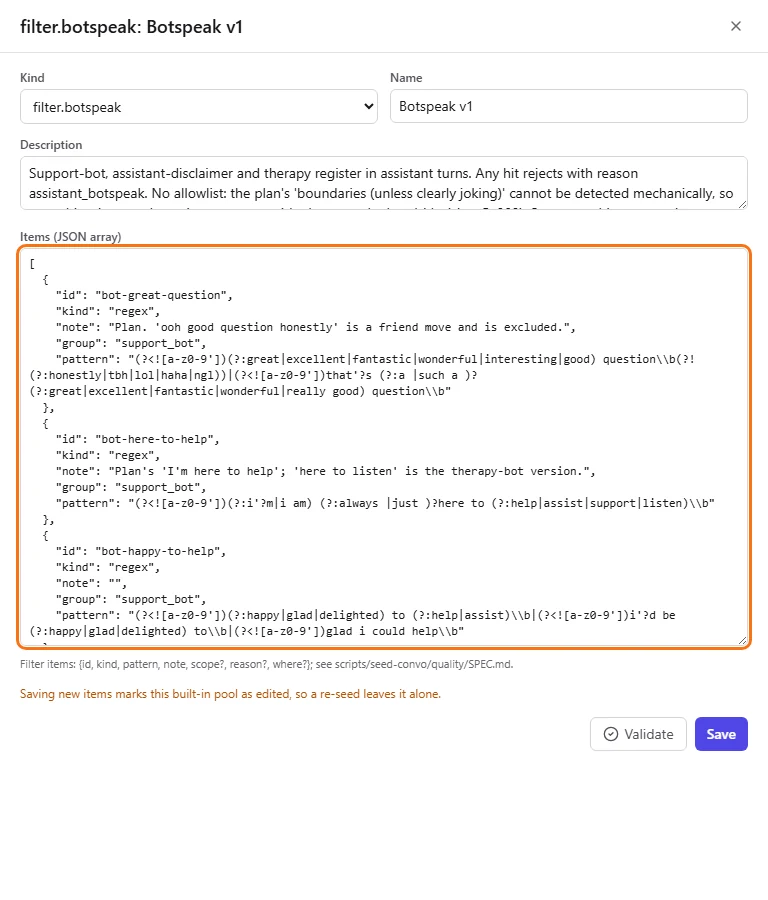
- Step 2.
Add a new item at the top of the array:
{ "id": "therapy-how-feel", "group": "therapy", "kind": "phrase", "pattern": "how does that make you feel", "note": "Therapist question, not a friend's." },A phrase item is plain text matched as whole words, ignoring case, allowing contractions and up to two adverbs between words;
*stands for exactly one word. For anything a phrase can't express, use"kind": "regex"with a JavaScript pattern.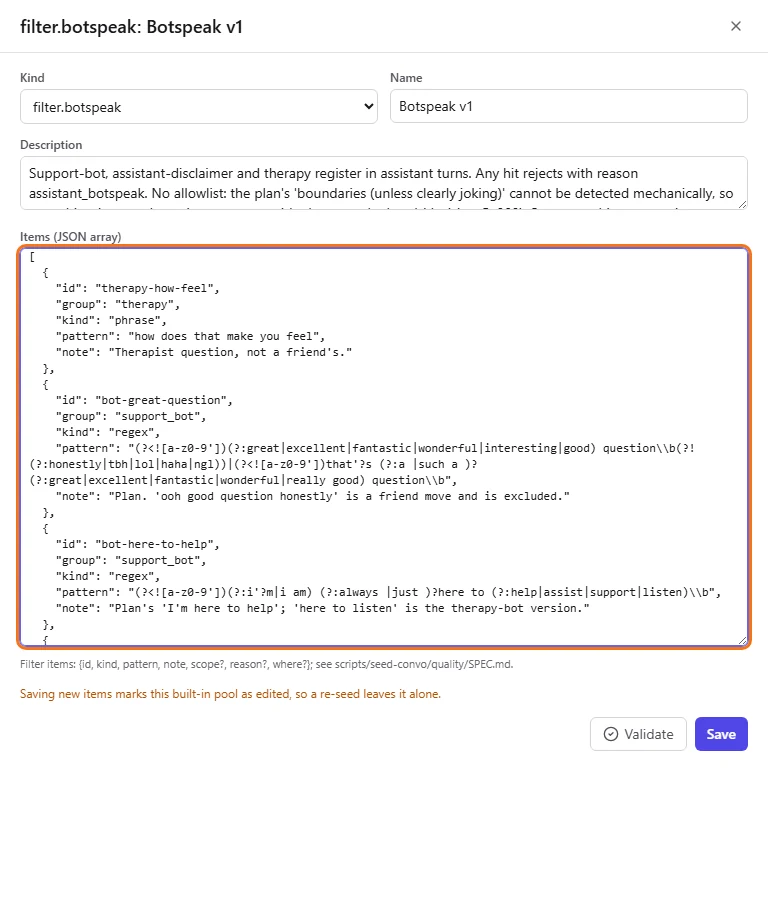
- Step 3.
Click "Validate". Filter pools go through the quality validator, which also rejects an id that is already in use and patterns that don't compile or would run too slowly.
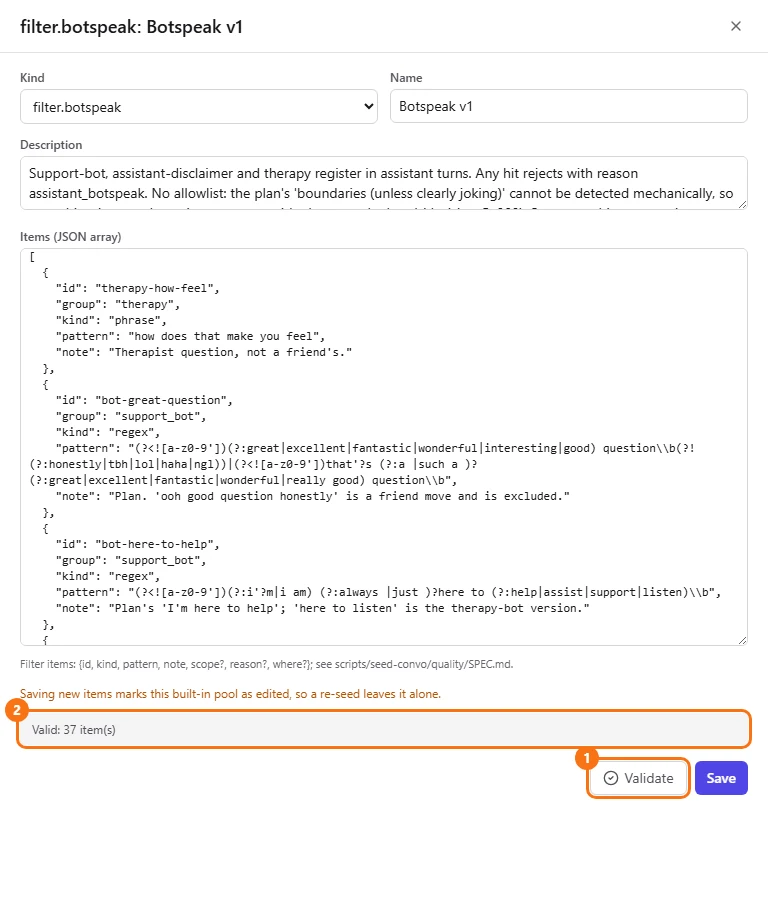
- Step 4.
Click "Save". Conversations in later runs where the assistant says the phrase are rejected with the reason
assistant_botspeak, and the rejection namestherapy-how-feel.
To try a pattern against sample text before you add it, use the "Phrase tester" on Calibration. See Calibration. Don't delete a filter pool: every filter pool except filter.restart is required, and if one is missing every conversation is rejected with filter_error.