Run configs
Save a run's recipe once (prompt set, models, counts, length mix and filters), then start runs from it.
A run config is a saved recipe for a run: the prompt set, the backend and model that write the conversations, the judge, how many conversations to make and how long they should be. When you start a run, it takes its own frozen copy, so you can keep editing a config without changing runs already under way.
Make a cheaper copy of a pilot config
You ran a pilot on a strong cloud model and liked the results. Now you want the same recipe on a cheaper model, at a smaller count, without touching the original.
- Step 1.
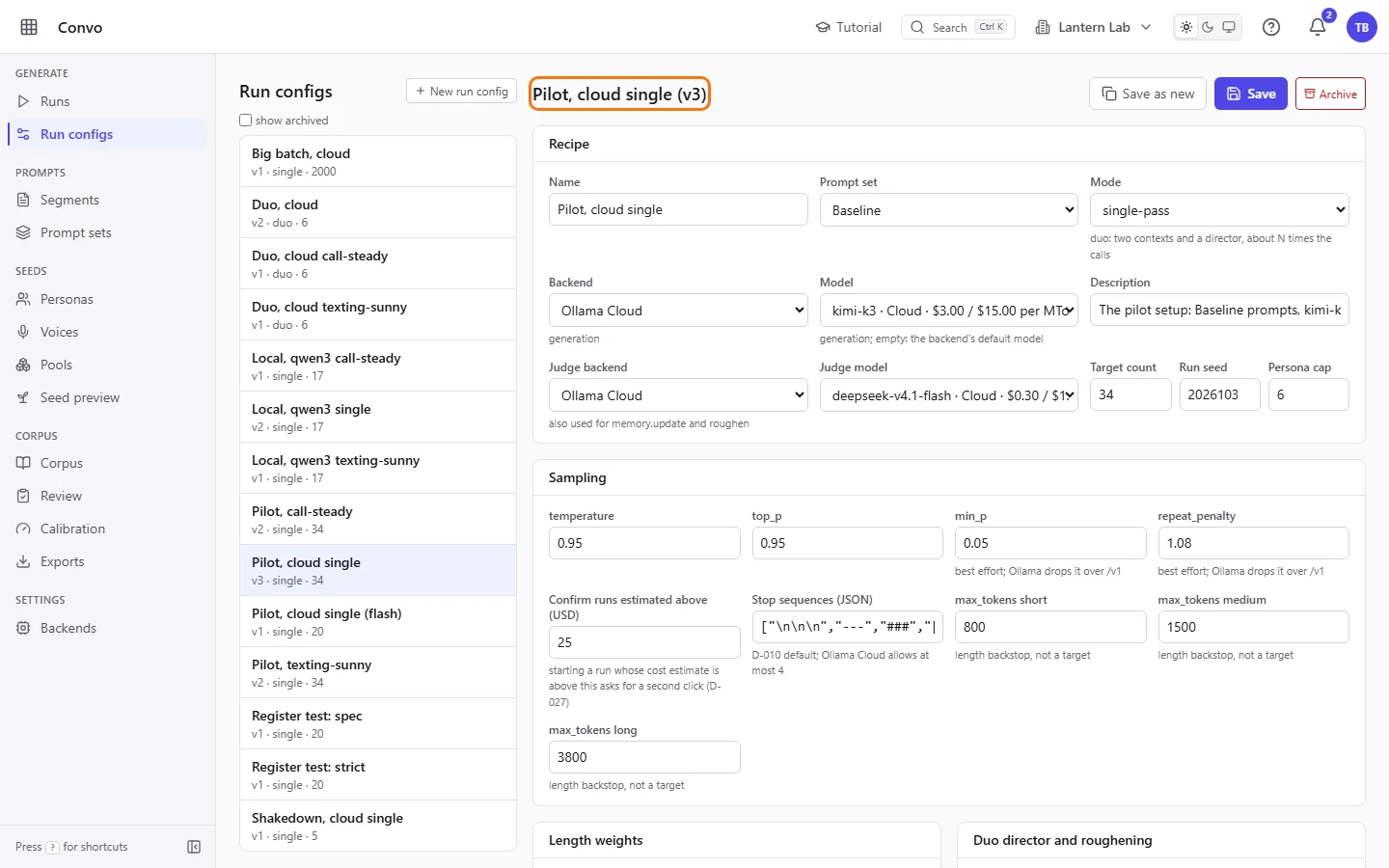
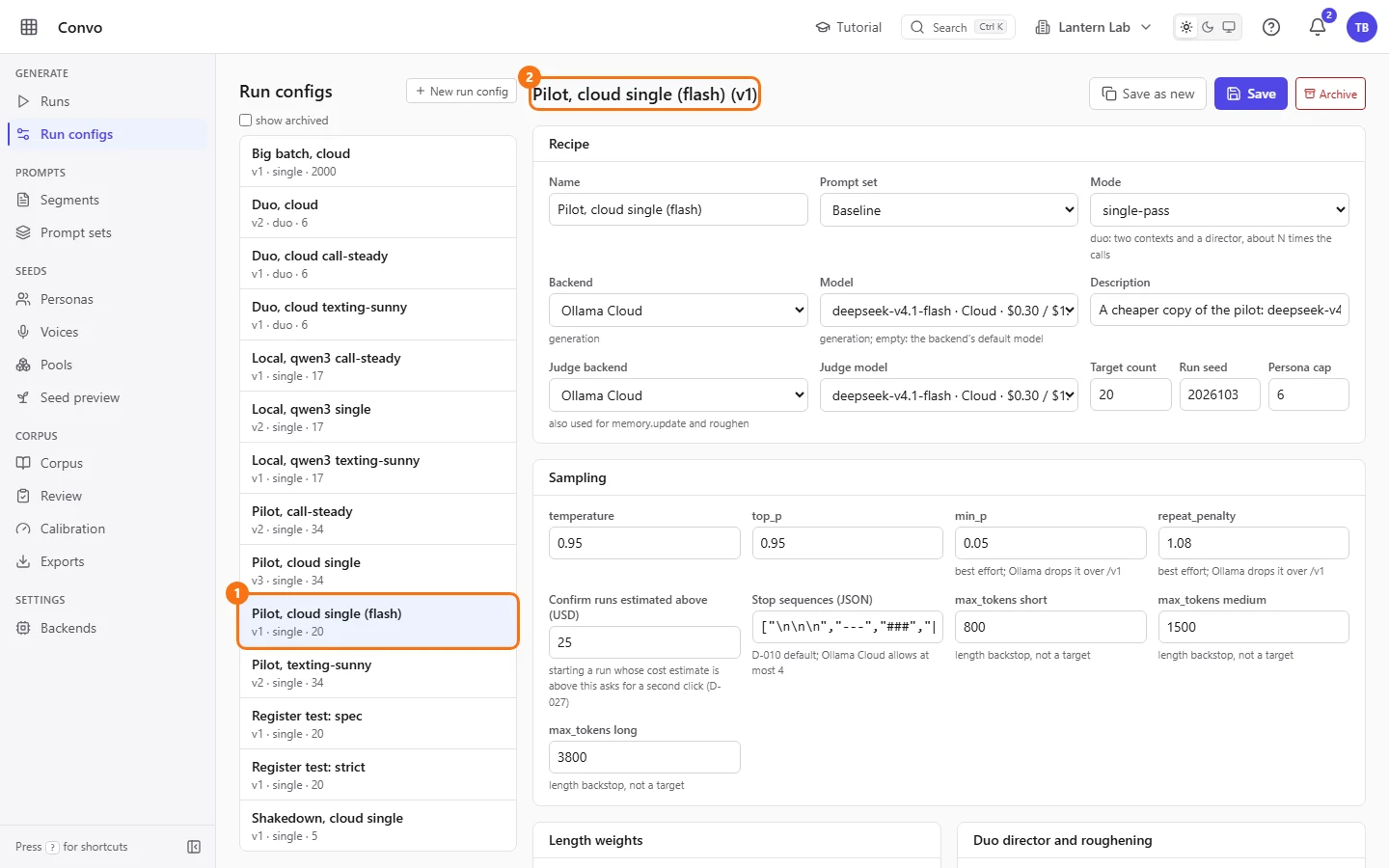
Open Run configs and click the config you want to copy in the list. The editor shows its name and version at the top.
- Step 2.
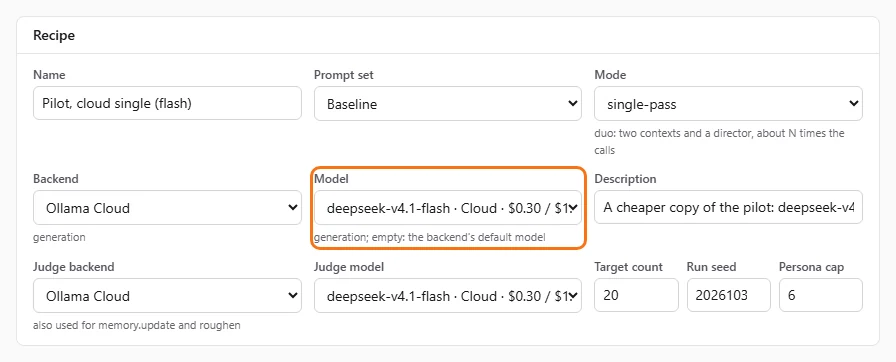
Pick a cheaper model in "Model". Each cloud model shows its price in dollars per million tokens, input then output, and local models show "free". "Backend default" uses the backend's own default model.
- Step 3.
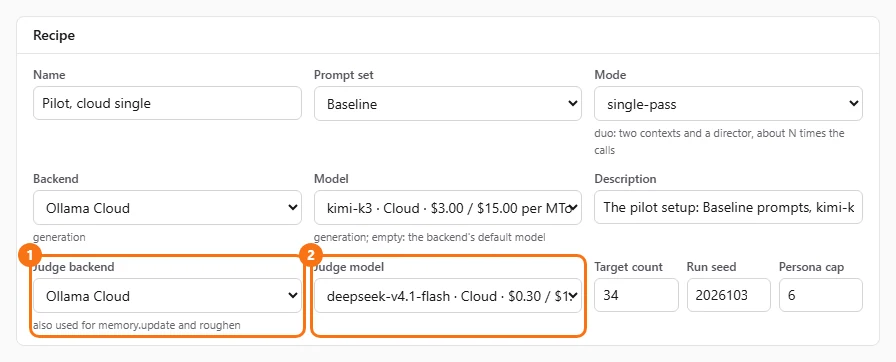
Check "Judge backend" and "Judge model". The judge also runs the memory updates and the roughening, so a cheap judge saves on every accepted conversation. "Same as generation" reuses the "Backend" above.
- Step 4.
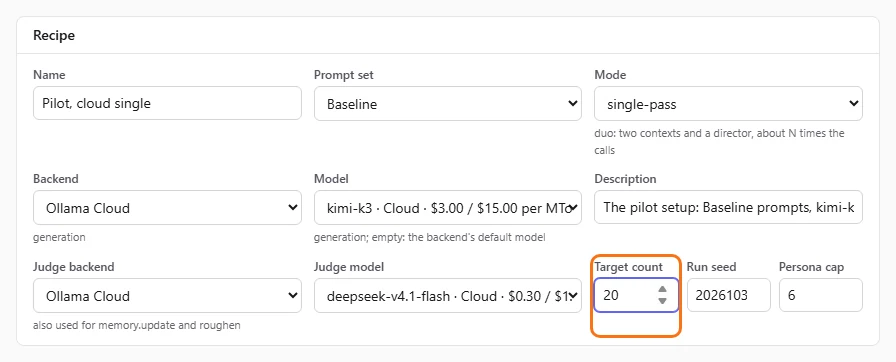
Lower "Target count" while you try the change. It counts every conversation the run generates, rejects included.
- Step 5.
Click "Save as new" and type a name when your browser asks for a "Name for the copy". The copy opens in the editor with your changes, and the original stays as it was.
When you start a run from the copy, the start form shows a cost estimate before anything is spent. See Runs.
Change the length mix
Your last run came back with mostly long conversations, and you want more short ones.
- Step 1.
Open the config and find "Length weights". The "short", "medium" and "long" numbers are relative shares, so
25,55and20plan about a quarter of the conversations short.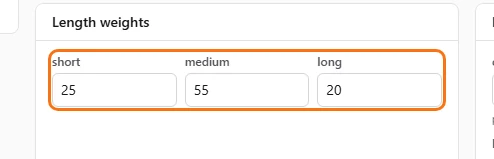
- Step 2.
Raise "short" and lower "long", for example to
40,45and15.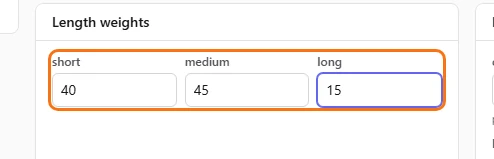
- Step 3.
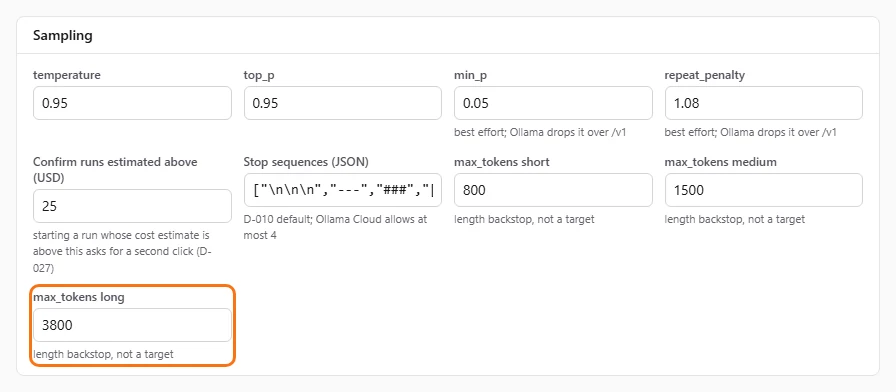
Leave the "max_tokens" fields under "Sampling" alone. They are a backstop against runaway output, not a length target, so lowering them cuts conversations off instead of making them shorter.
- Step 4.
Click "Save". On an existing config, "Save" overwrites it as the next version, and runs already started keep their own copy.

Runs you start from now on plan their lengths with the new mix.
Tidy up configs you no longer use
The list has filled up with experiments. You want to hide the old ones without losing them.
- Step 1.
Open a config you're done with and click "Archive". It disappears from the list and from the "Run config" picker on Runs. Nothing is deleted.

- Step 2.
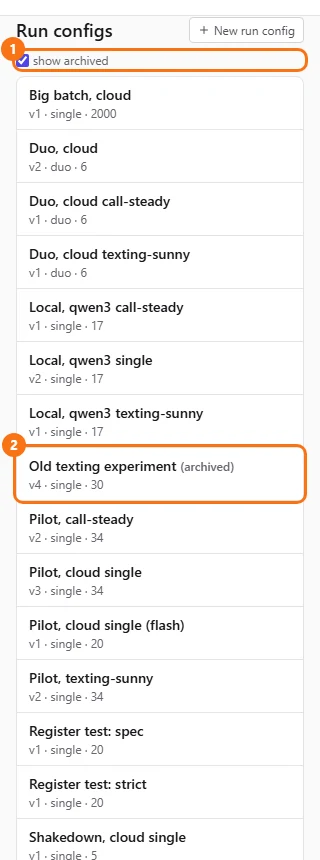
To find it again, tick "show archived" above the list. Archived configs show "(archived)" after their name.
- Step 3.
Open it and click "Unarchive" to bring it back.

If you don't see "Archive", your account doesn't have the permission to delete run configs. Ask an admin.